
How to Get IPTV: A Beginner’s Guide (2026)
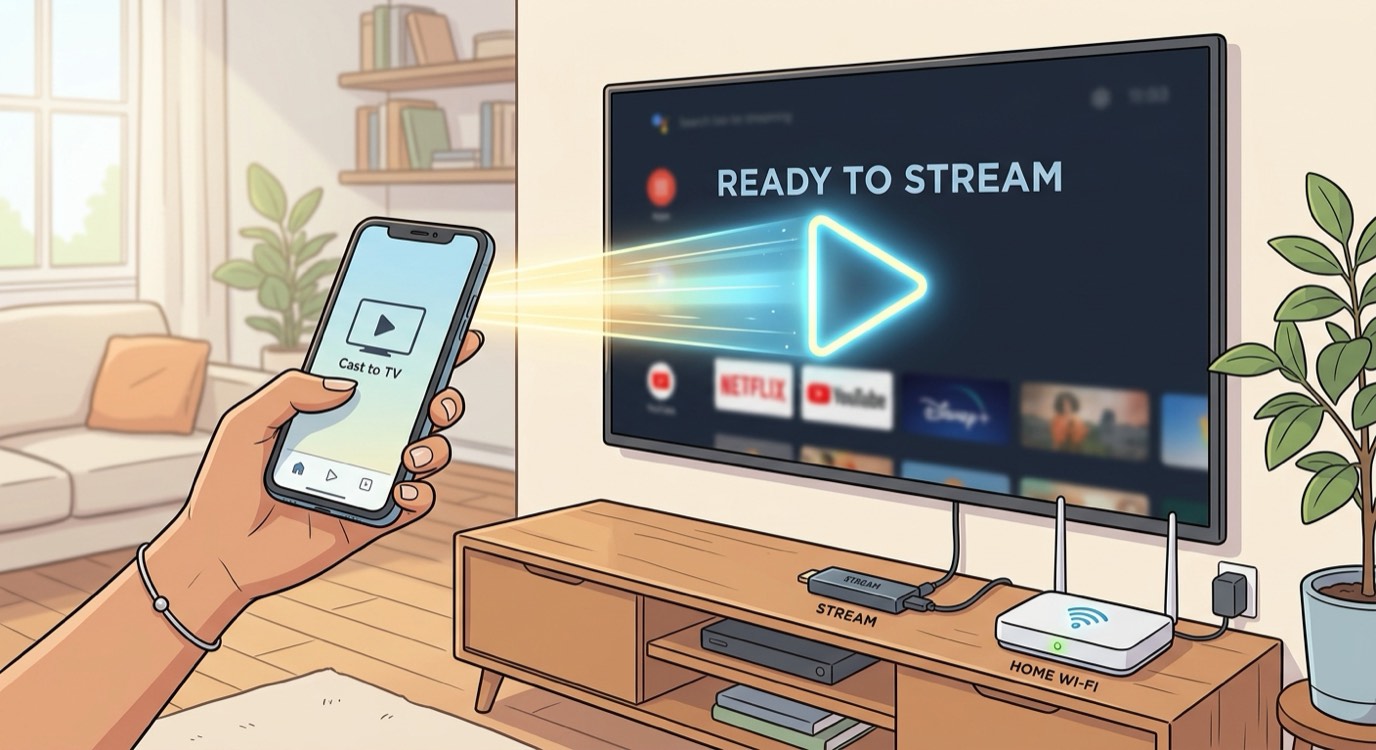
To get IPTV, you choose a provider, subscribe to a plan, install a player app on your device, and load the playlist the provider sends you. The whole process takes just a few minutes and does not require any special equipment beyond a device you probably already own.
Step 1: Choose a reliable provider
Start by picking a provider with stable servers, a large channel list, clear pricing, and real support. Avoid cheap "lifetime" deals, which are usually unreliable. Our best IPTV service guide explains exactly what to look for.
Step 2: Pick your device
IPTV works on devices you likely already have: Amazon Firestick, Roku, Apple TV, Samsung and LG Smart TVs, Android boxes, phones, tablets, and computers. Any one of these is enough to start.
Step 3: Subscribe and get your playlist
Choose a plan on our pricing page and order over WhatsApp. Once your payment is confirmed, we send your login details, an M3U link or Xtream Codes, within minutes.
Step 4: Install a player and load your playlist
Install a player app such as IBO Player Pro or HotPlayer from your device’s app store, then enter the playlist details we sent you. Your channels, movies, and series load automatically. Our setup guide has step-by-step instructions for each device.
How fast can you start watching?
Most people are watching within minutes of ordering. Activation is almost instant once payment is confirmed. If you get stuck, message us on WhatsApp and we will help you finish setup. New US viewers can see the full lineup on our IPTV USA page.